 Snipwick
Nothing leaves until you snip
Snipwick does not read the pages you visit. It wakes up when you make a selection, and not before.
Drag a box around any question, paragraph or chart. Snipwick answers it in one plain sentence without sending you to another tab.
Free to start. 25 answers on us, no card needed.
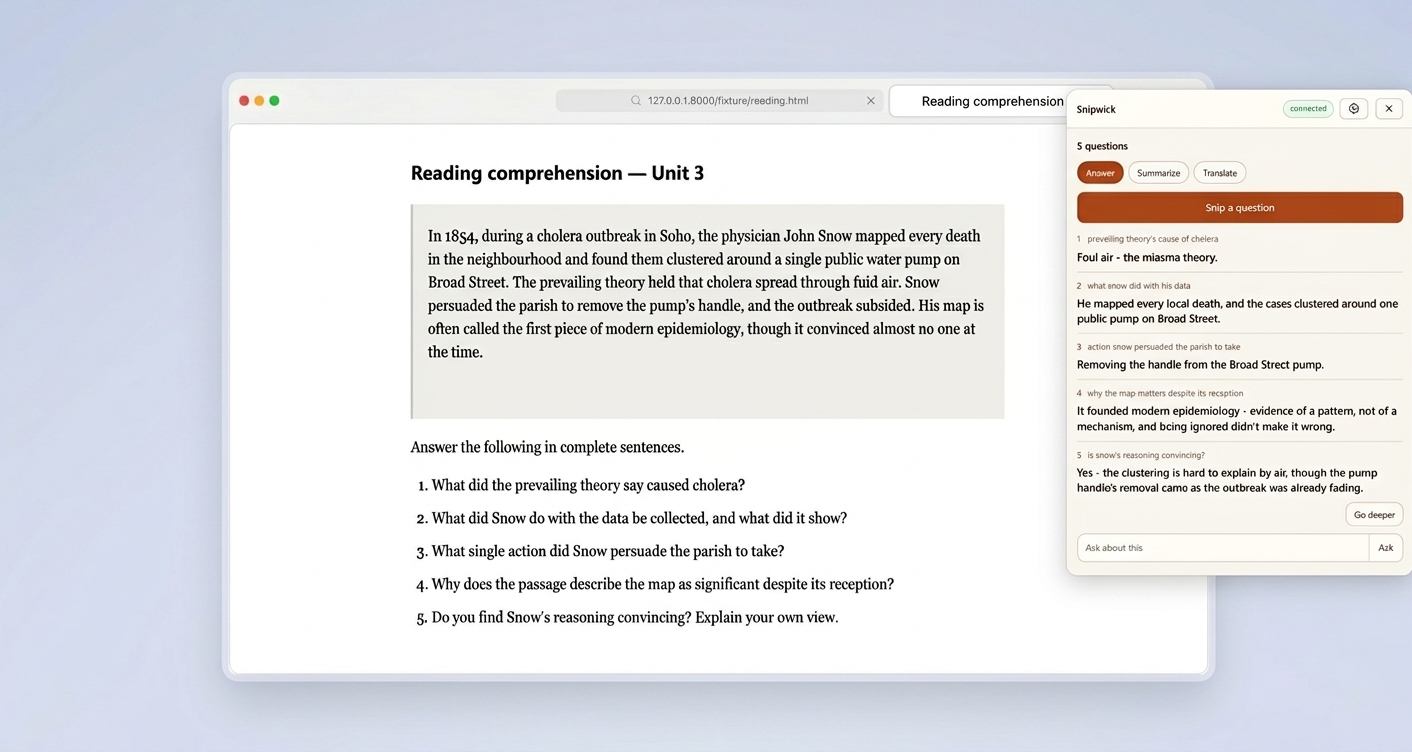
It all happens beside the page you are already reading.
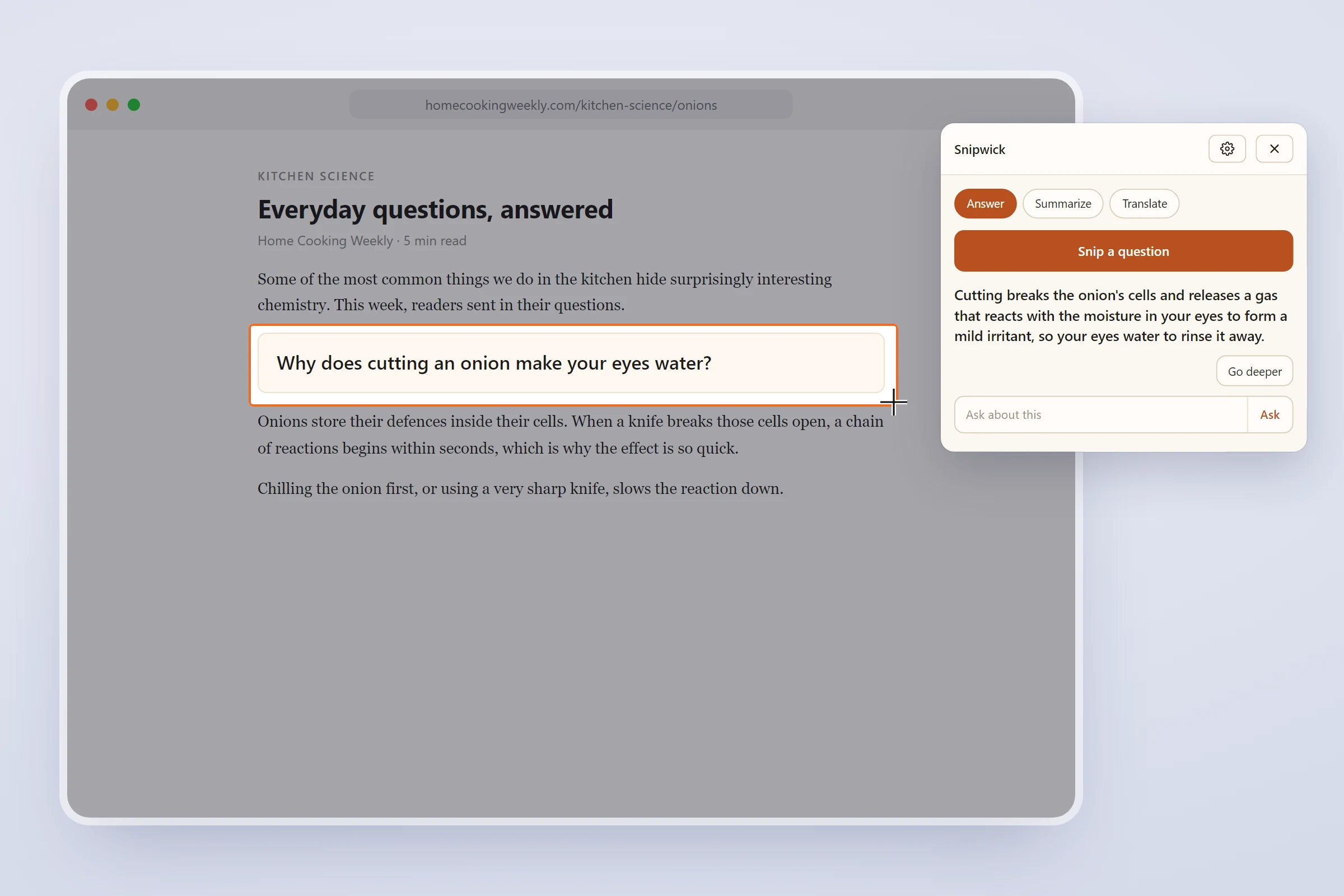
Click the Snipwick icon in your toolbar, then drag a box around any question on the page. A clear, one-sentence answer appears in the panel beside it.
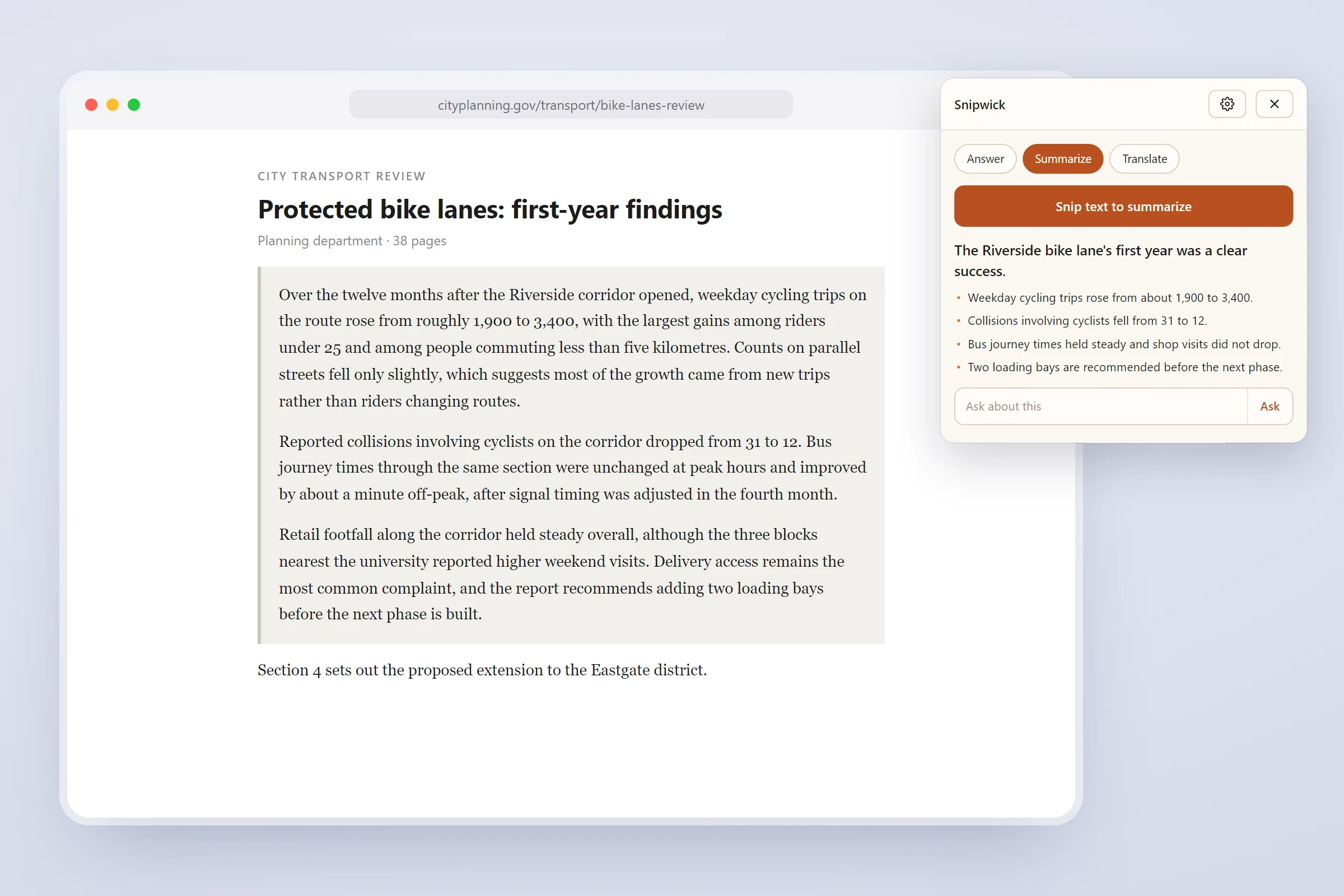
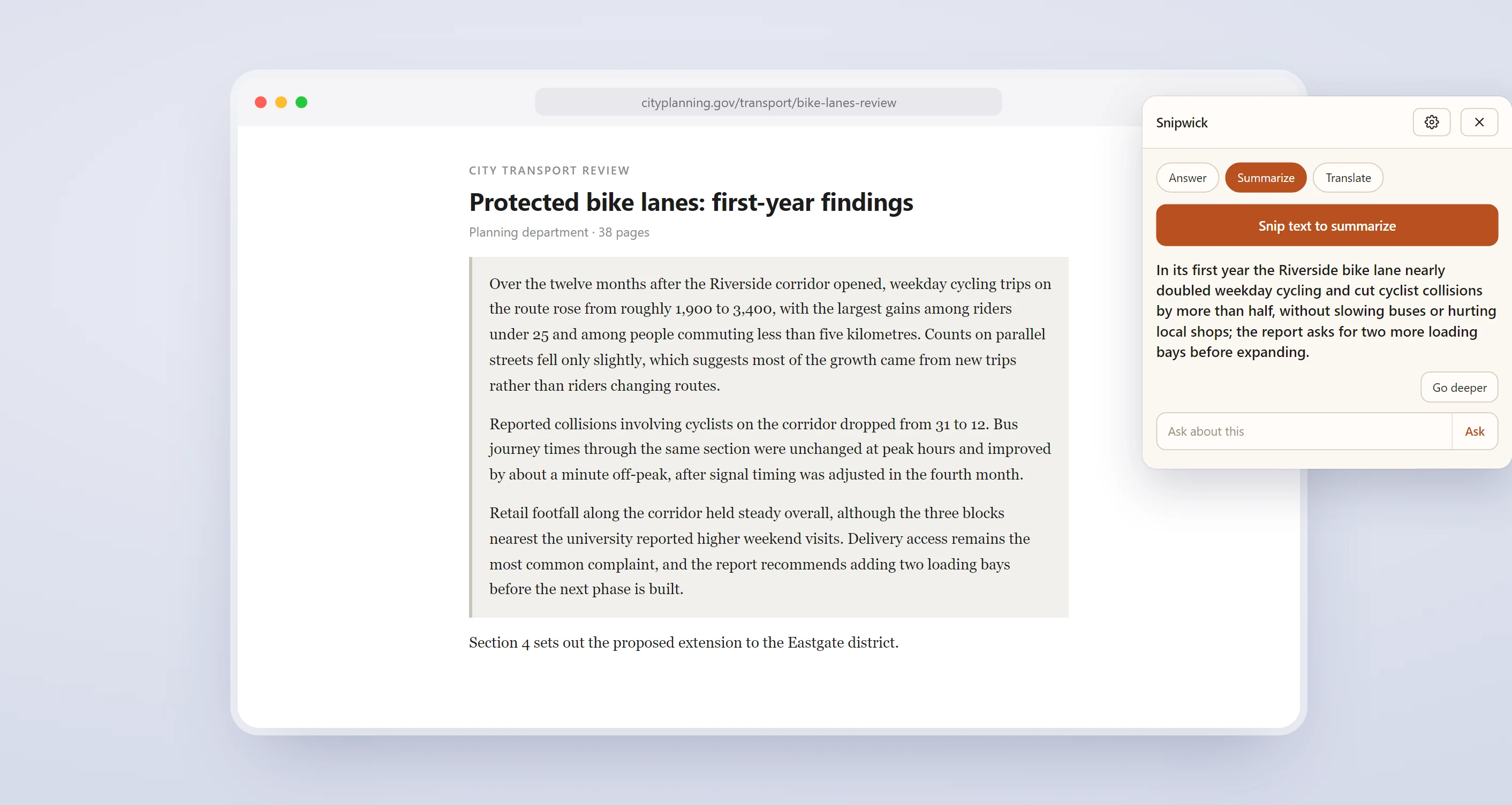
Snip a long passage and switch to Summarize. You get the point in one line, and the key details as a short list.
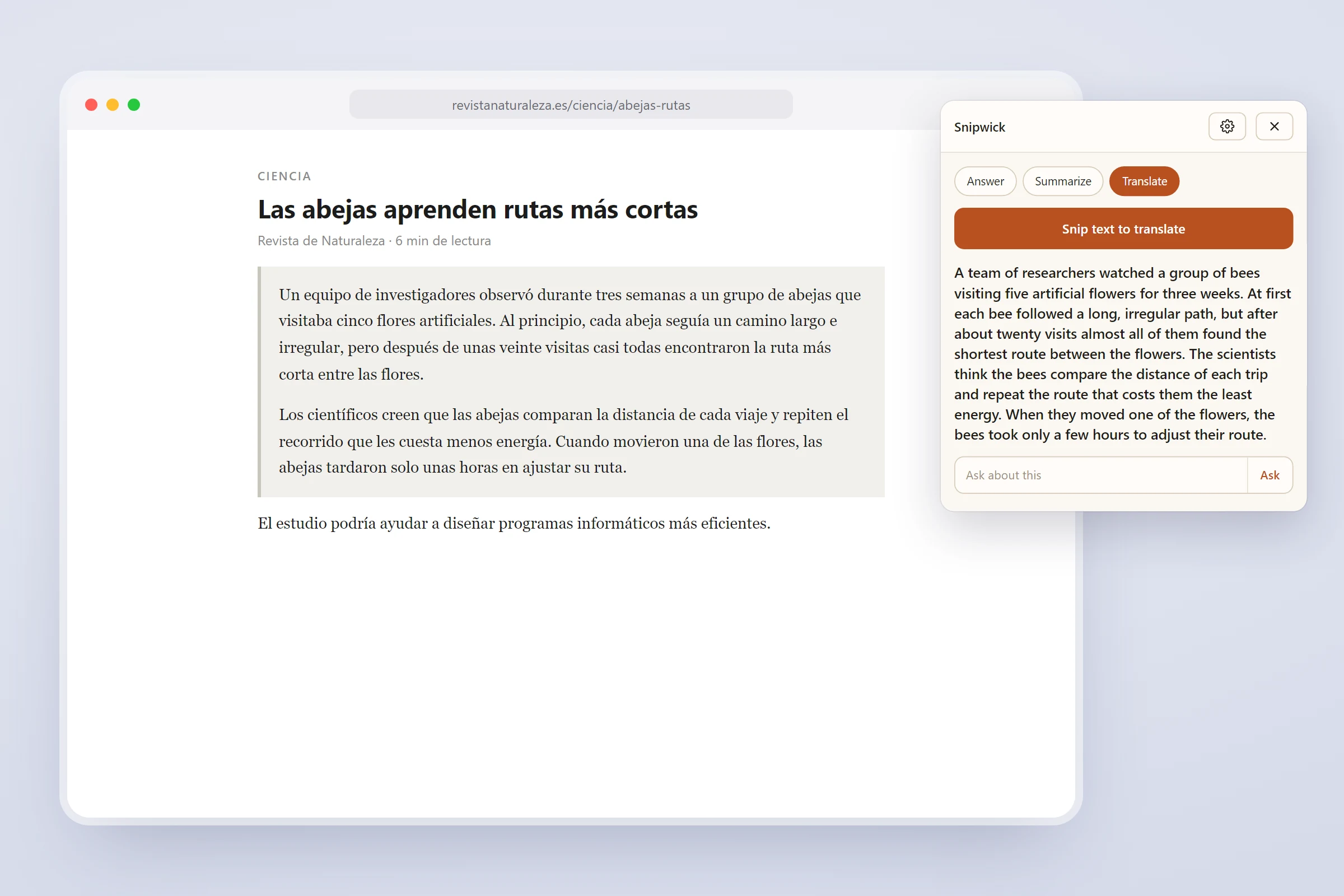
Snip a paragraph in Spanish, or any other language, and read it in yours. The full translation lands beside the original.
No background reading, no browsing history, no trackers. Just the snip.
Snipwick does not read the pages you visit. It wakes up when you make a selection, and not before.
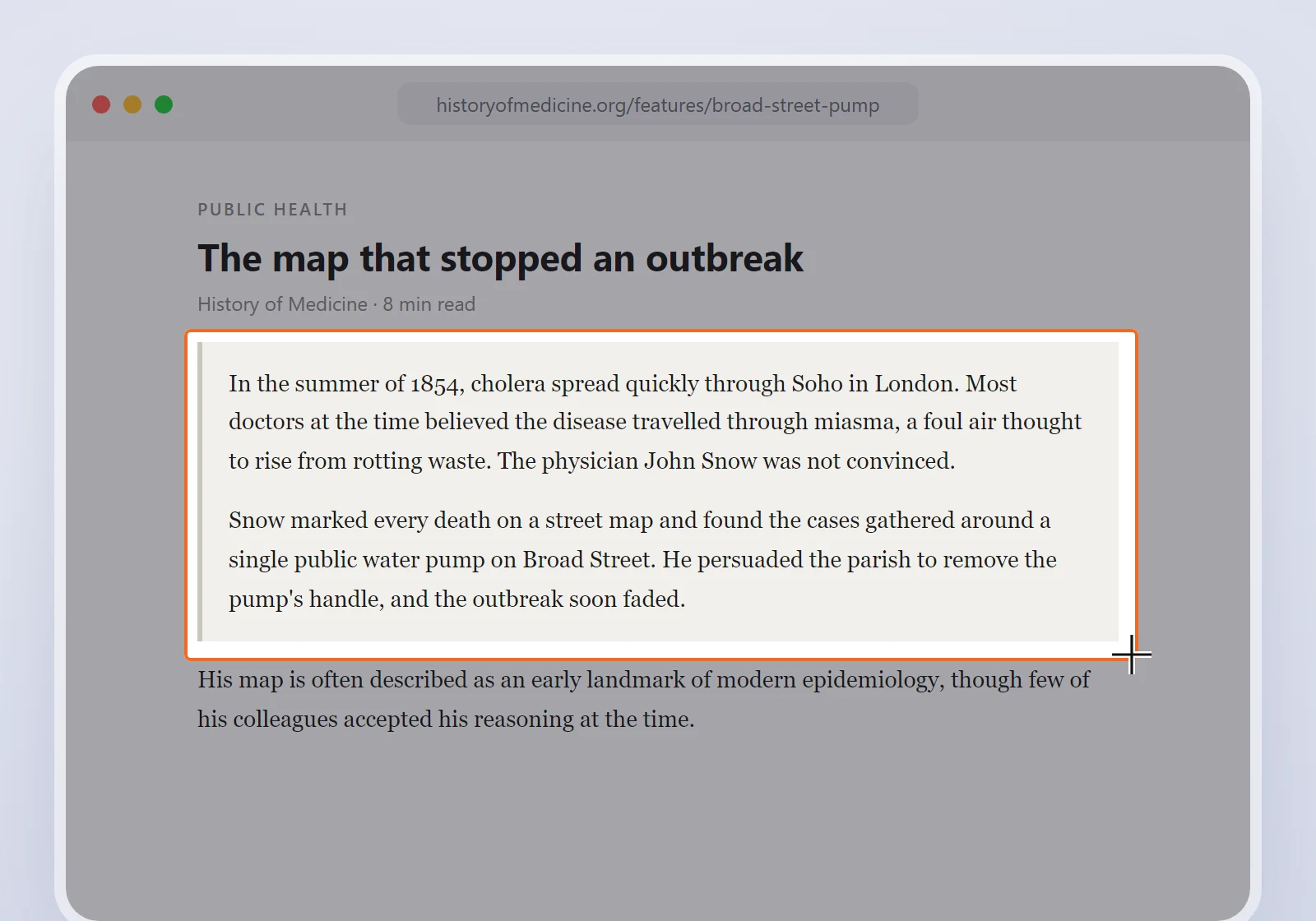
The text or image you selected, plus the page title and address. Never the rest of the page.
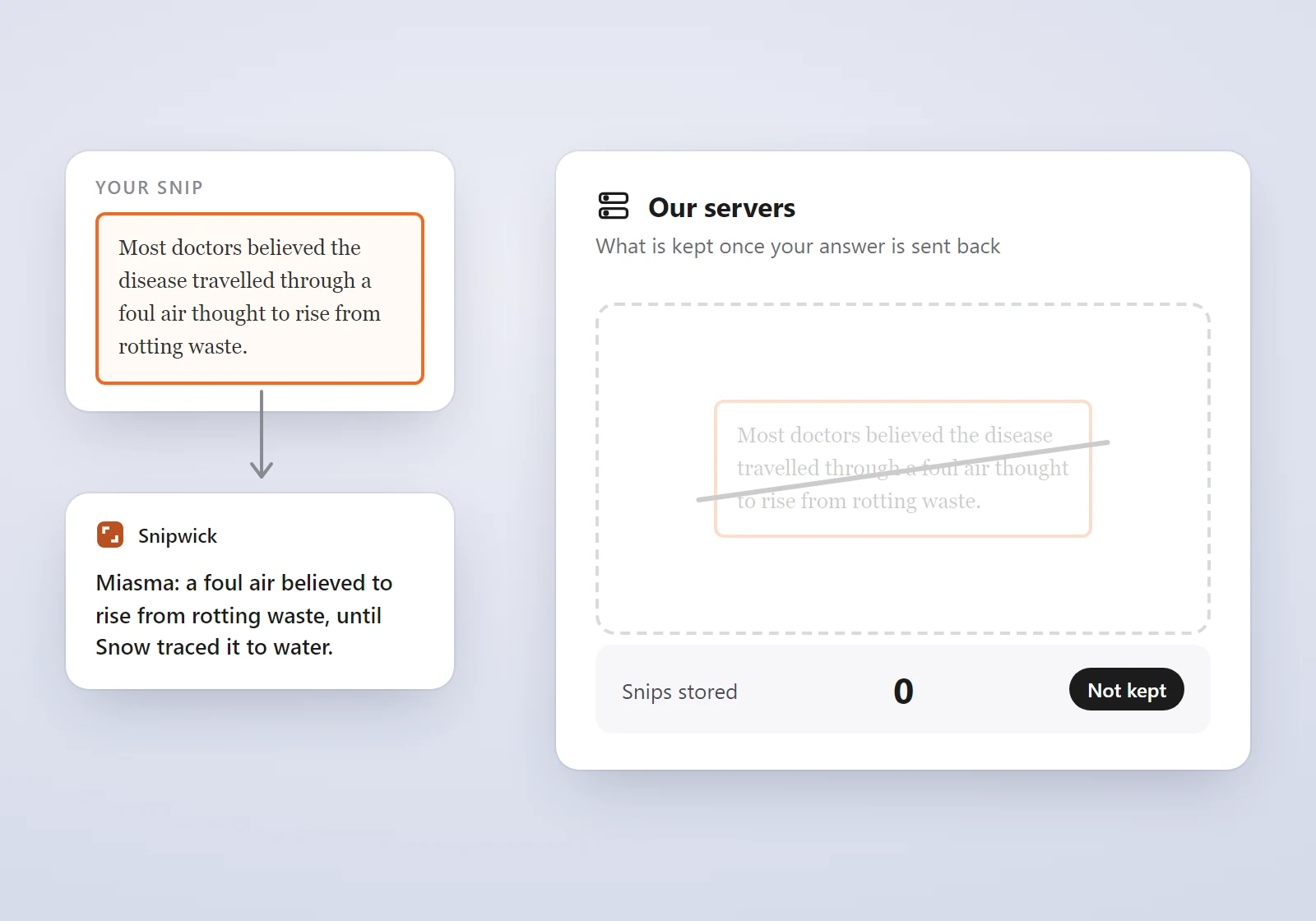
Your snips and answers are not kept on our servers. They exist only as long as it takes to answer.
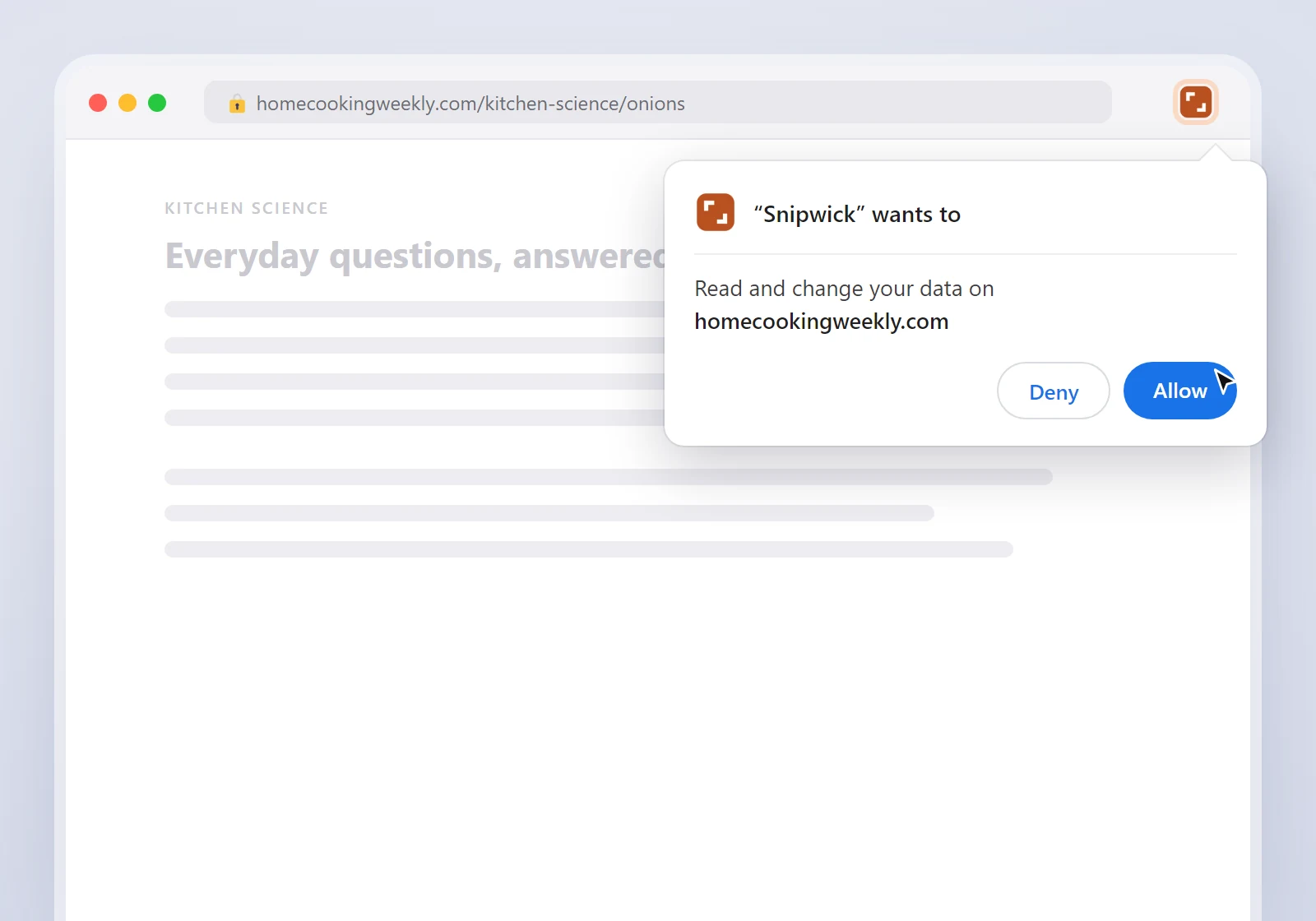
Chrome shows its own permission prompt the first time you snip somewhere new. You stay in control.
Answer the question in front of you. Summarize the part you do not have time for. Translate it into your own language.
One credit is one answer. Expanding an answer uses two. Monthly credits reset, top-ups never expire.
To see if it fits how you read.
For everyday reading and study.
For people who read all day.
Paid plans open shortly. Every account starts on free answers today.
A Chrome extension that answers whatever you select on a web page. Drag a box around something, and a one-sentence answer appears in a panel beside the page.
Anything visible in a Chrome tab: a question, a paragraph, a table, a chart or a worksheet. You can also highlight text and right-click.
No. Nothing is sent until you make a snip, and then only the part you selected, along with the page title and address.
Not on our servers. Answers are written by Anthropic, which under its standard commercial terms keeps requests for 30 days, then deletes them, and does not use them to train models.
Every new account gets 25 free answers. After that, Standard is $19 a month for 300 answers and Pro is $49 a month for 800. Top-ups are available and never expire.
Chrome today. Sign in with Google, and you are ready to snip.
Request access and get your first 25 answers free.